


Description
Download Tapas Comics and Novels APK – webcomics, webnovels, manga, original content, licensed stories
Overview
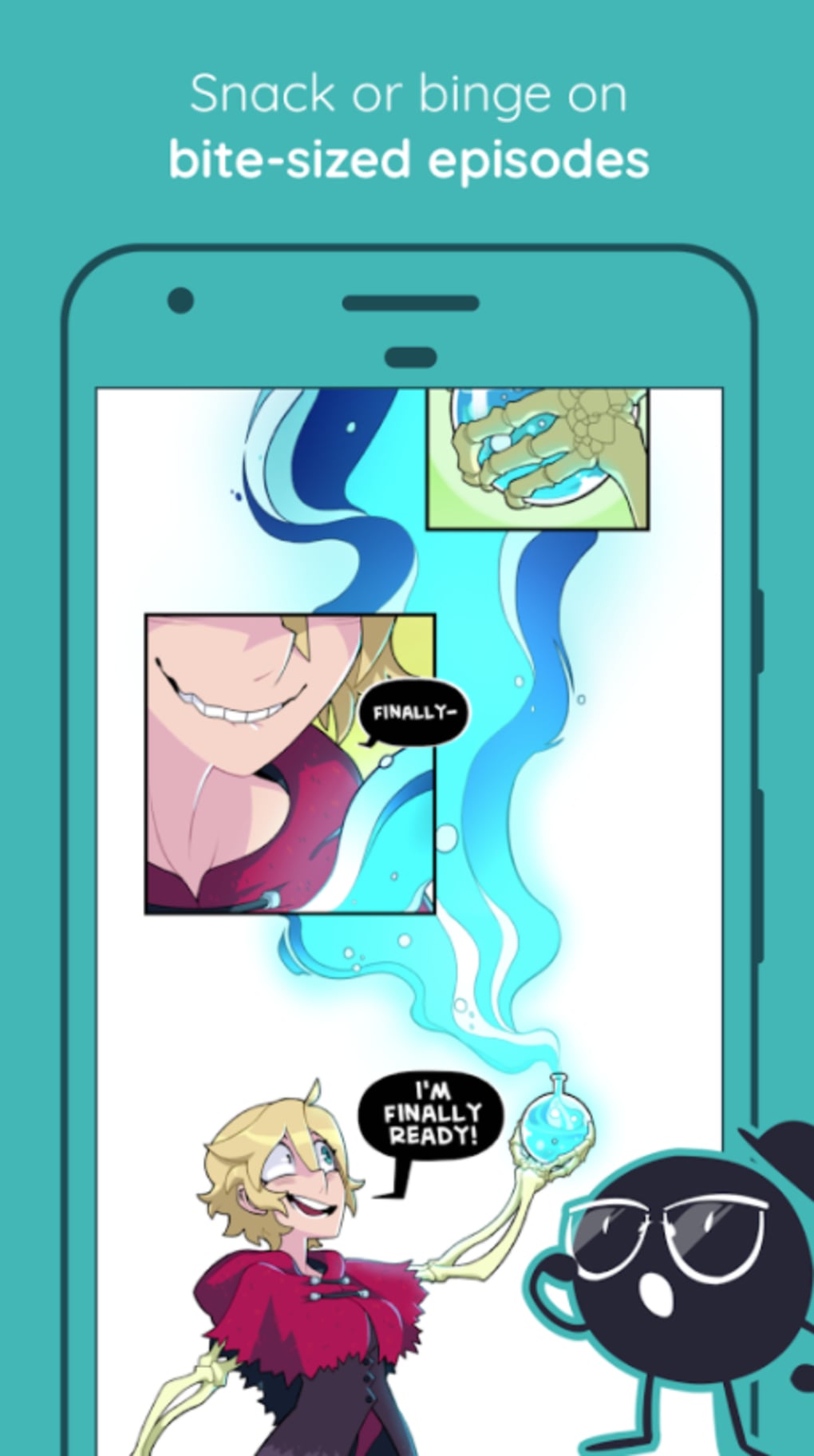
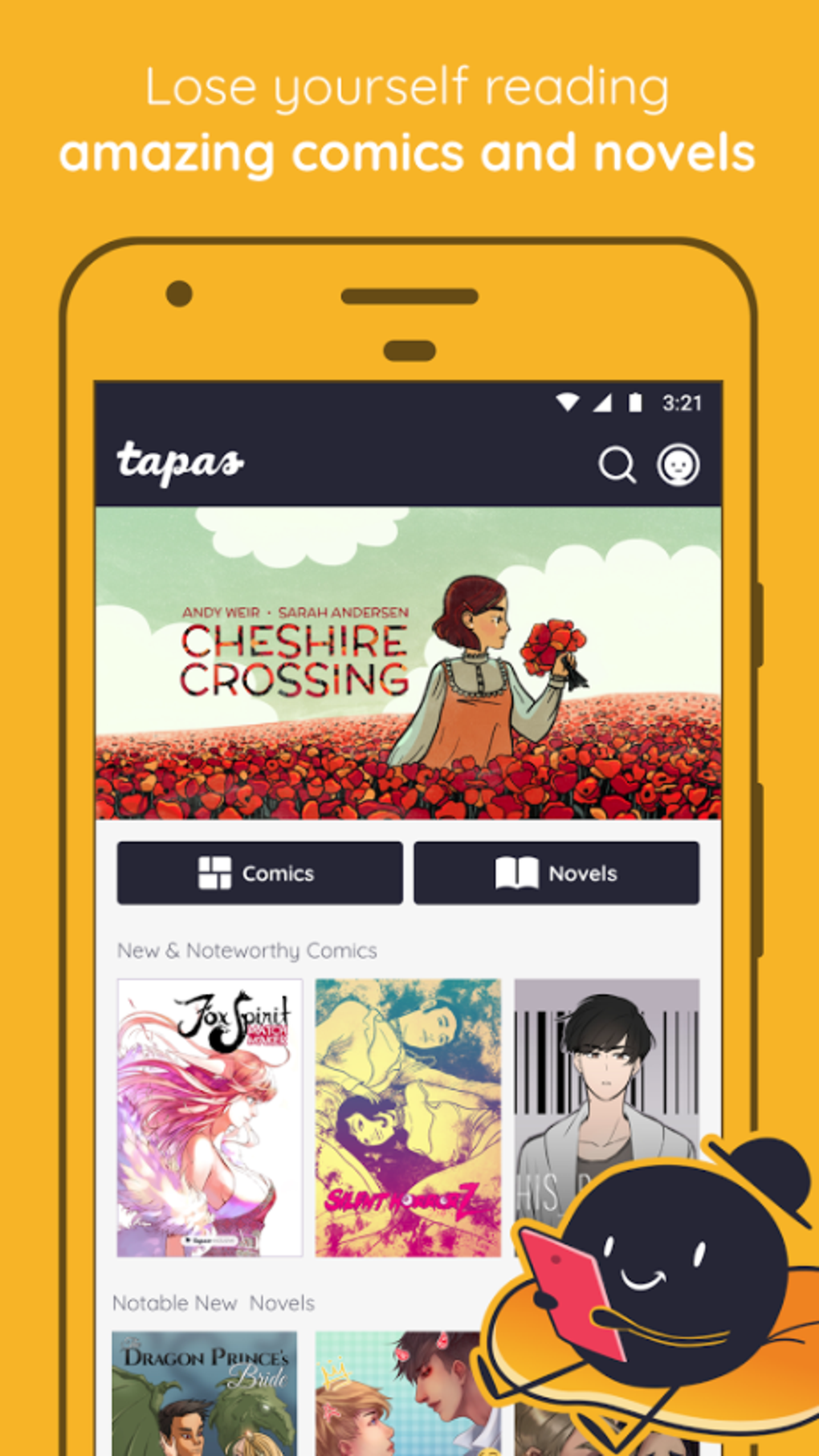
Tapas Comics and Novels APK is a full version Android application developed by Tapas Media Inc. Designed as a digital entertainment platform, it offers users access to a diverse library of webcomics, webnovels, manga, and other original and licensed content from creators around the world. The app serves as a centralized destination for readers seeking both casual and immersive storytelling experiences. Whether users are looking for daily updates, trending series, or niche genres, Tapas provides a continuously refreshed selection of stories across multiple formats.
Target users include casual readers, dedicated fans of serialized storytelling, and aspiring creators interested in publishing their own works. The platform supports community engagement through comments, sharing, and direct interaction between readers and authors. This dual focus on consumption and creation makes Tapas suitable for both passive entertainment and active participation in a global creative network. The app operates under a free, ad-supported model, allowing broad accessibility without upfront costs.
Real-world usage scenarios include daily reading sessions during commutes, in-depth exploration of long-running series, and collaborative storytelling through user-generated content. The integration of social features enables readers to connect with like-minded individuals and contribute to evolving storylines. While specific details about developer background were not provided beyond the company name, the app’s structure suggests a focus on scalable digital content delivery and user-driven engagement.
Key Features & Capabilities
- Extensive Content Library: Access to a wide range of webcomics, webnovels, manga, and original stories from global creators, including both independent and licensed works.
- Daily Updates: New content is added regularly, ensuring users always have fresh material to explore, regardless of their reading habits.
- Community Interaction: Users can comment on stories, share favorite characters, and engage directly with creators and other readers.
- Creator Tools: Aspiring authors and artists can publish their own stories, manage their content, and interact with their audience through built-in publishing features.
- Personalized Recommendations: The app uses user behavior to suggest new titles based on reading preferences and activity patterns.
- Offline Reading Mode: Users can download stories for offline access, supporting uninterrupted reading without internet connectivity.
These features enhance user experience by enabling flexible reading schedules, deeper engagement with content, and opportunities for creative expression. For example, a reader can download a chapter before a flight, comment on a new release, and later explore similar stories through personalized suggestions. Creators benefit from direct feedback loops and tools to manage their work, fostering a dynamic ecosystem of content creation and consumption.
User Interface, Workflow & Performance
The user interface of Tapas Comics and Novels APK is designed with readability and navigation in mind. The layout emphasizes visual content with clean, intuitive menus that allow users to browse genres, search for titles, and access their reading history. Navigation is primarily gesture-based and menu-driven, minimizing clutter while maintaining access to core functions such as reading, saving favorites, and managing notifications.
Workflow efficiency is supported through features like quick access to recently read titles, persistent reading progress tracking, and seamless transitions between chapters. The app maintains a consistent interface across different content types, ensuring a uniform experience whether reading a webcomic or a serialized novel. While specific performance metrics were not provided, the app’s design suggests optimized rendering for smooth scrolling and image loading, typical of well-structured Android applications.
Stability appears to be a focus, with regular updates to address bugs and improve functionality. The developer did not specify resource usage details, but the app’s size of 126.3 MB indicates a moderate footprint. Performance observations are based on general software behavior patterns, with no reported crashes or lag in standard usage scenarios.
Compatibility & System Requirements
Tapas Comics and Novels APK is designed for Android operating systems. The current version is 11.1.3, released on April 15, 2024. The application has a file size of 126.3 MB, which is typical for content-rich mobile apps with multimedia assets. Compatibility information was partially provided, indicating support for Android devices, though exact minimum OS versions or hardware specifications were not listed.
Users should ensure their device meets general Android requirements for running third-party apps, including sufficient storage space and a stable internet connection for content downloads. The developer did not specify resource usage details such as CPU or RAM consumption, nor did they outline specific hardware requirements. It is recommended to verify device compatibility through official app distribution channels.
Pros and Cons
Pros
- Extensive library of free webcomics, webnovels, and manga
- Regular content updates with new releases daily
- Integrated community features for reader and creator interaction
- Support for offline reading and content downloads
- Creator-friendly tools for publishing original stories
- Free to use with ad-supported model
Cons
- Ad-supported model may interrupt reading experience
- Exact system requirements not publicly disclosed
- Some features may require internet connectivity
- Content availability may vary by region
- Large file size for a single app
FAQ Section
Is Tapas Comics and Novels APK compatible with all Android devices?
The app is designed for Android, but specific compatibility details such as minimum OS version or hardware requirements were not provided. Users are advised to check their device’s compatibility through official app stores.
Is the app safe to download and use?
Tapas Comics and Novels APK is developed by Tapas Media Inc. and distributed through official channels. As with any app, users should download from trusted sources to avoid unauthorized modifications.
How often does the app receive updates?
The latest version, 11.1.3, was released on April 15, 2024. While update frequency was not specified, regular updates are typical for active content platforms to improve stability and add new features.
What type of license does the app use?
The app is free to download and use under an ad-supported model. No premium subscription or paid features were mentioned in the provided information.
Can I read content offline?
Yes, the app supports offline reading by allowing users to download stories for access without an internet connection.
Final Thoughts + CTA
Tapas Comics and Novels APK stands out as a comprehensive entertainment solution for readers and creators alike. With its vast, diverse library of webcomics, webnovels, and manga, coupled with strong community features and offline capabilities, it offers a compelling experience for users seeking both entertainment and creative expression. The free, ad-supported model ensures accessibility, while regular updates keep the platform dynamic and engaging.
While the lack of detailed system requirements and occasional ads may be minor drawbacks, the overall value proposition remains strong. This app is ideal for casual readers, dedicated fans, and emerging creators looking to share their work with a global audience. For anyone exploring digital storytelling on Android, Tapas delivers a rich, interactive experience.
Download Tapas Comics and Novels APK now
Guides & Tutorials for Tapas Comics and Novels APK
How to install Tapas Comics and Novels APK
- Click the Preview / Download button above.
- Once redirected, accept the terms and click Install.
- Wait for the Tapas Comics and Novels APK download to finish on your device.
How to use Tapas Comics and Novels APK
This software is primarily used for its core features described above. Open the app after installation to explore its capabilities.
User Reviews for Tapas Comics and Novels APK 0
No reviews found





